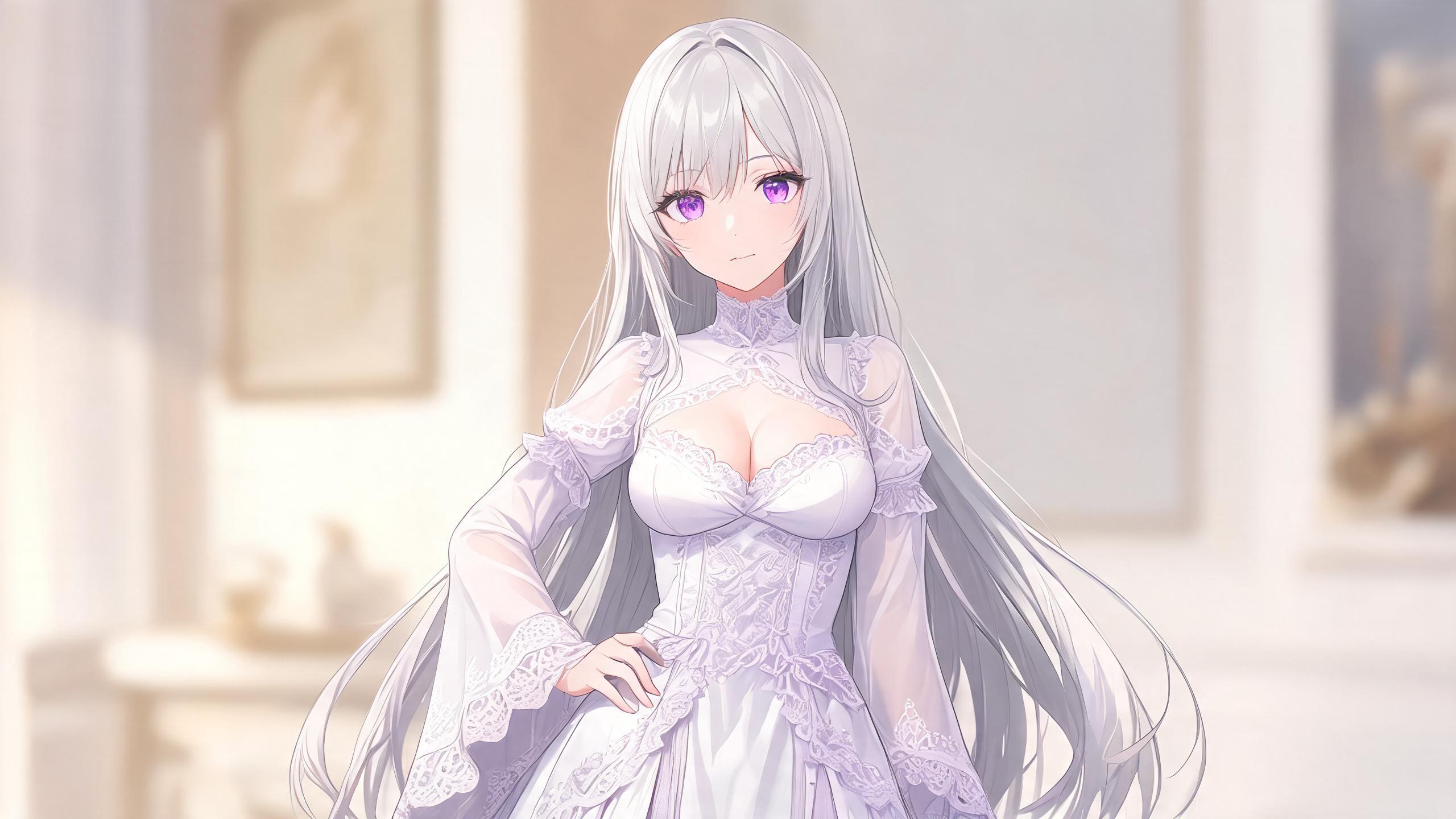
The Core Challenge for Cosplay Generators
Creators want one fixed character moved through new costumes and stances without the face, hair length, or eye color shifting. Most tools lose that anchor once the first edit happens.
The best generators treat the reference image as the single source of truth. They allow outfit and pose changes while the underlying identity stays untouched.
What Generic Tools Usually Provide
Basic generators accept a reference and produce variations. Some keep broad traits like hair color across a few tries.
Prompt tricks such as repeating descriptors help for the first change. Once you request a second outfit or different stance, drift appears quickly.
These options suit quick tests but fall short when you need a full set of matching cosplay images.
What to Demand from an AI Cosplay Generator
- A clear method to lock hair length, eye color, and facial structure before any costume edits begin.
- One-tap outfit and pose changes that never reset the original character description.
- Support for importing your own reference so you control the starting identity.
- Consistent proportions across every new costume and angle.
- The ability to generate several variations without retyping the full character block each time.
- Output that remains usable for further edits or short motion clips.

How Peachish Handles Anime Cosplay Workflows
Soyo 4.0 Deluxe creates the base still from a fixed descriptor block. You set hair length, eye color, and one signature detail once, then keep that block for every later step.
Soyo Hot applies outfit or pose swaps directly to the locked still. The engine maintains the same face and proportions without new prompts or seeds.
Anki Hot loads any locked frame and turns it into motion. You add simple movement language while the character identity remains fixed through the full sequence.
This stack lets you move from one reference to multiple cosplay looks and then to short clips without rebuilding the character each time.
Practical Tips for Cosplay Prompts
Start every new prompt with the locked descriptor block. Follow with the desired outfit and a single pose instruction.
Keep changes simple at first. A clean swap to a different costume works better than stacking multiple alterations in one pass.
Save the strongest frame after each successful edit. Use that frame as the reference for the next variation so identity drift stays minimal.
How to Start
- Open your browser and sign up to receive welcome coins.
- Generate the base character in Soyo 4.0 Deluxe using a clear fixed descriptor for hair and eyes.
- Switch to Soyo Hot and create two additional cosplay outfits while the identity stays locked.
- Save the strongest frame as your reference image.
- Load that reference into Anki Hot and write a motion prompt with one camera move and continuity note.
- Generate the 15-second scene and review the clip for identity hold.
Which outfit change in your current workflow breaks character identity the fastest?
👉 Start free at peachish.fun

Related reads: Ai Anime Generator No Sign Up for Consistent Characters (2026) · AI Character Design Generator for Anime Consistency (2026) · AI Outfit Changer for Consistent Anime Characters (2026)
Comments (0)
No comments yet.